From maintenance data to a prioritized reliability plan.
XRVE Reliability starts with the maintenance information your team already has, organizes it into usable evidence, identifies the losses and failure patterns that matter, and turns those findings into a clear action register your team can review and execute.
No new CMMS required. No black-box automation. Your team keeps technical and implementation authority.
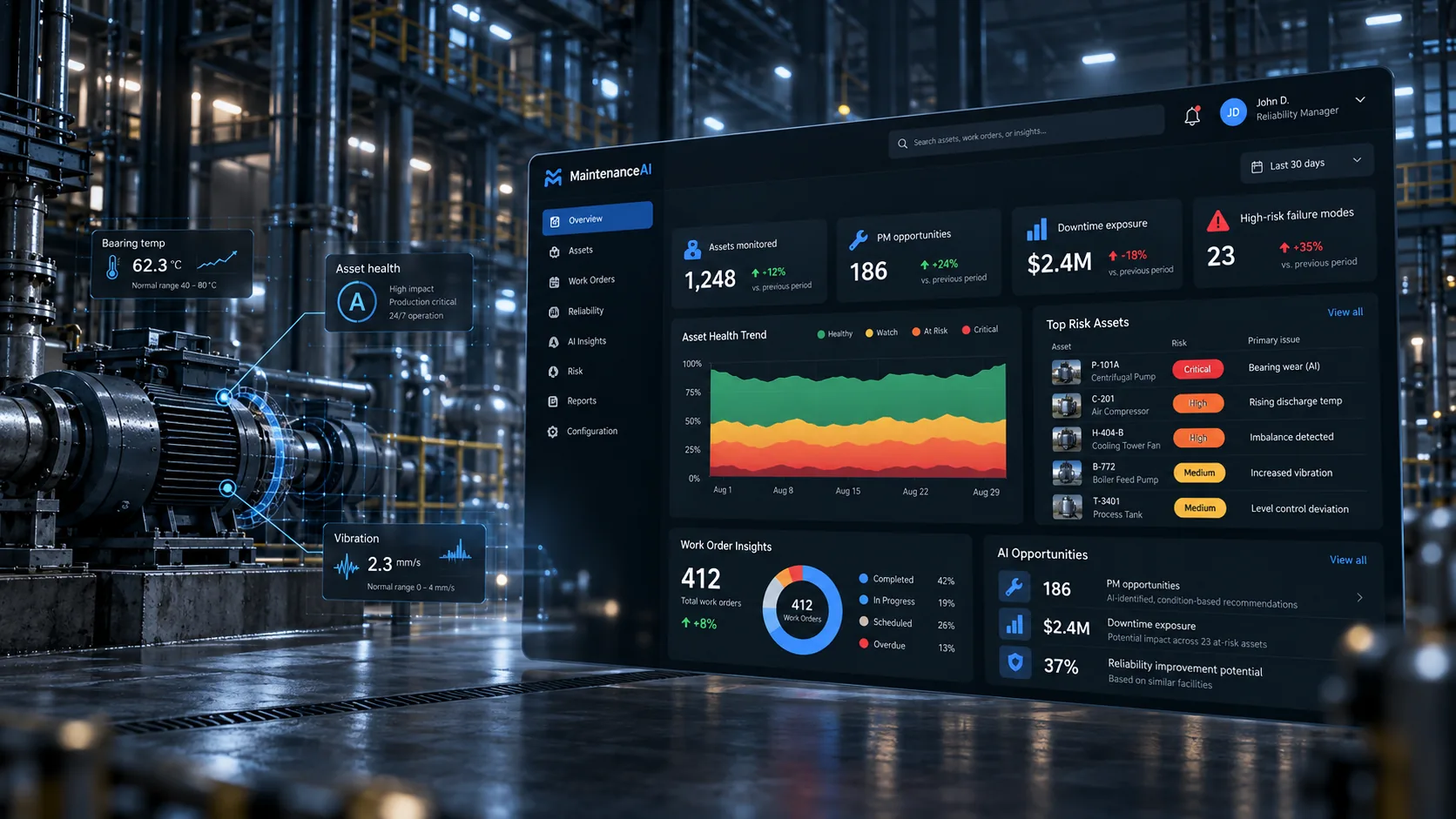
Maintenance history becomes evidence, priorities, decisions, and follow-through.
Export the history. Understand the evidence. Decide what deserves attention first.
XRVE Reliability does not replace your CMMS or your maintenance team. It sits between raw maintenance history and management decisions, helping organize incomplete or noisy records into a defensible view of bad actors, repeat failures, PM weaknesses, backlog constraints, planning gaps, data-quality problems, and next actions.
Six clear steps from first look to sustained improvement.
Not every customer needs every step. The process expands only as far as the maintenance problem requires.
Understand the problem
Start with a free Health Check or open Free Studio to investigate approved facility data yourself. If you request a scoped engagement, XRVE confirms the maintenance problem and required evidence before proposing work.
Typical questions: Is the plant reactive? Are repeat failures consuming capacity? Is PM compliance high but effectiveness low? Is backlog actually executable?
Prepare the maintenance evidence
Your team exports approved maintenance information from the systems it already uses. Free Studio can analyze sanitized source records in your browser. In a paid engagement, authorized XRVE workflows review field mapping, data quality and what the dataset can and cannot support.
Common inputs: work orders, asset hierarchy, PM master/history, backlog, labor, parts, failure codes, and related maintenance records.
Analyze the system
XRVE examines the evidence for chronic maintenance demand, repeat failures, PM strategy gaps, backlog health, planning readiness, data-quality weaknesses, and other reliability signals.
The goal: separate what is merely visible in the CMMS from what actually deserves management attention.
Prioritize the findings
Findings are organized into an action register with evidence, reasoning, confidence, ownership, and recommended next steps so the team can see what should be reviewed first.
XRVE does not invent authority. OEM, engineering, safety, quality, regulatory, and site requirements remain controlling.
Review with the people who own the work
XRVE walks leadership through the findings, assumptions, limitations, and priorities. The purpose is not to hand over a report and disappear; it is to make the evidence usable in the real maintenance process.
Output: management-ready priorities, technical follow-up items, and an executable near-term plan.
Implement and repeat where useful
The facility may execute actions internally, engage XRVE for standalone PM optimization or program buildout, or use the Professional Studio for recurring self-service intelligence. The top-tier Reliability Improvement Program adds expert-reviewed improvement initiatives across a larger portfolio.
The cycle becomes: evidence → decision → action → new evidence → updated decision.
Use the maintenance systems you already have.
Work-order history
Corrective and preventive work, descriptions, dates, statuses, labor, closeout information, and failure history where available.
Asset and PM information
Asset identifiers, hierarchy, PM task content, frequencies, equipment context, and supporting technical information where available.
Operational context
Site priorities, planning constraints, known problem areas, current workflows, and the practical context that raw CMMS fields cannot explain by themselves.
Not another dashboard. A decision-ready reliability picture.
Evidence
What the maintenance history actually supports, including data limitations and confidence.
Priorities
The assets, failures, PM issues, backlog constraints, and system weaknesses that deserve attention first.
Actions
Clear next steps, owners, review items, and implementation paths that can move back into your normal maintenance process.
Start with evidence. Keep it connected. Turn insights into improvements.
The same analytical foundation supports three Studio access levels. Scoped assessments, PM optimization, data readiness and full program buildouts remain available as separate engagements.
Free Studio · $0
Start with a connected fictional plant or approved CSV/supported XLSX export. Explore Pareto, P–F time-budget assumptions, exact failure-mode links, schedule constraints, role-oriented briefs and local actions without an account.
Open Free StudioProfessional · $279/month
Retain authorized source reviews, decisions, owners, history, role-focused PDF reporting and on-demand Weekly Decision Briefs across up to 3 facilities. Customer-supplied exports, not automatic CMMS sync, provide updated evidence.
Explore ProfessionalImprovement Program · $749/month
Extend to 10 authorized facilities and one expert-reviewed portfolio priority monthly. Includes CMMS-ready drafts, documentary financial review, quarterly health and executive review, transfer investigations, RCM/FMEA strategy reviews and capacity/scenario screens. No automatic implementation or independently verified savings.
Explore Improvement ProgramOnly when needed: CMMS Data Readiness prepares an export that cannot yet support analysis. It is a separately scoped service when source-quality problems prevent a useful investigation, not a mandatory purchase or onboarding step.
You can understand the method before hiring XRVE.
Free Studio adds real, browser-local facility analysis to the public guides, calculators, worksheets, Reliability Reset and Health Check. Professional adds retained history and coordinated analysis across up to 3 facilities. The top-tier Improvement Program extends coverage to 10 facilities with exclusive portfolio-level improvement capabilities. Separate full-scope implementation engagements remain available.
Start with the problem, not the package.
If you are still defining the problem, use the free Health Check or connected demonstration facility. If you have approved data, start investigating in Free Studio. Choose Professional for repeatable self-service reviews across three facilities, or the top-tier Improvement Program for wider portfolio improvement and expert-reviewed initiative preparation.
Start the free Health Check View services Request paid scope